
Make Virtual Tours More Engaging with a Virtual Host
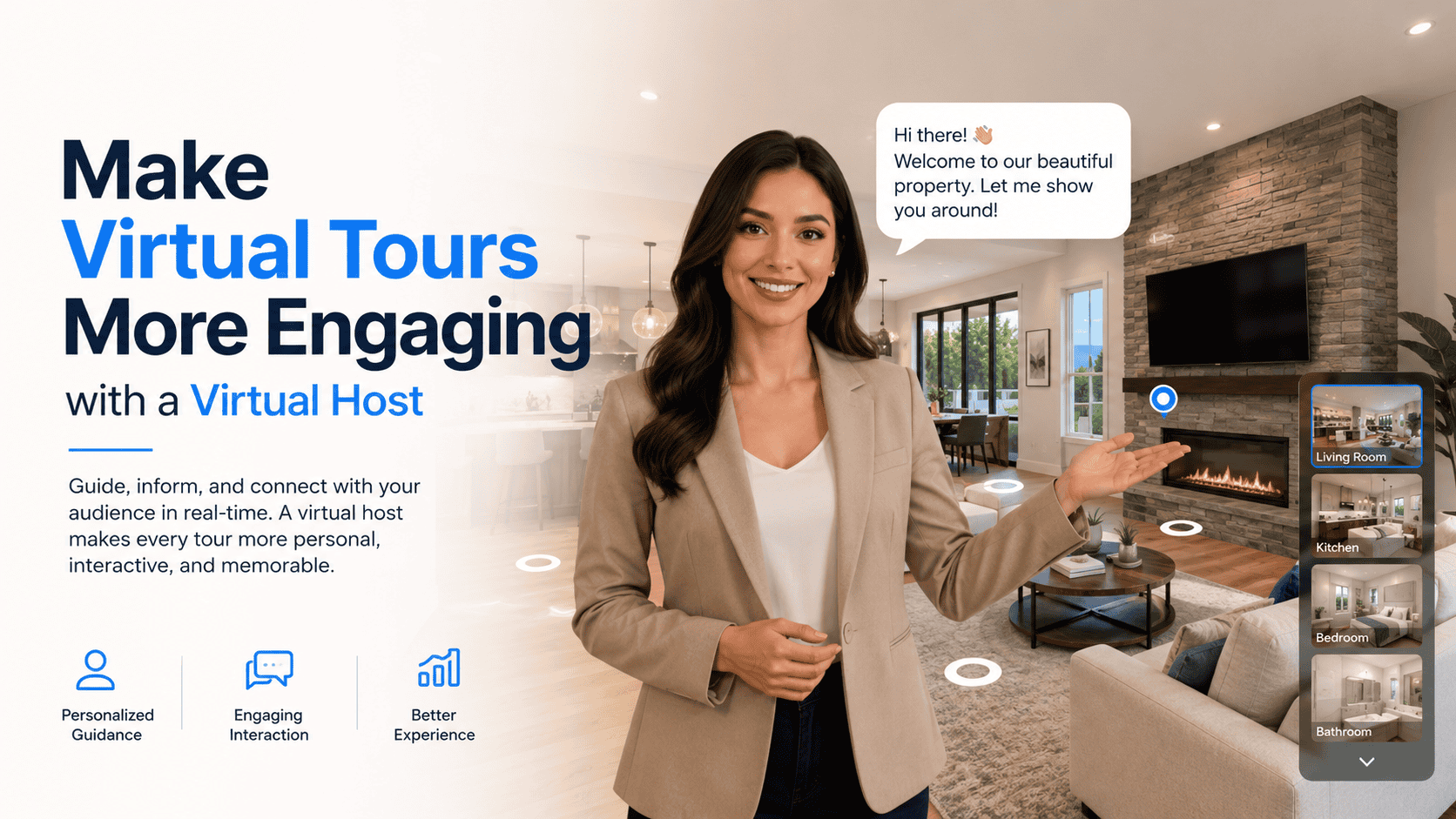
Make Your Virtual Tours Feel More Human
A virtual tour is a powerful way to showcase a space—but without guidance, users may miss important details. This is where a Virtual Tour Virtual Host adds real value. A virtual host acts like a digital guide, welcoming visitors, explaining features, and helping them navigate the tour with ease.
What Is a Virtual Host in a Virtual Tour?
A virtual host is a digital guide embedded inside a virtual tour. It can appear as:
- A real human presenter (video-based)
- An animated avatar or character
- A voice-only guide
- A branded assistant
The host provides instructions, highlights key areas, and creates a more engaging, guided experience.
How Virtual Hosts Work in Virtual Tours
Virtual hosts typically:
- Welcome users at the start of the tour
- Explain how to navigate the space
- Appear at important scenes or hotspots
- Share information through video, audio, or text
- Allow users to play, pause, skip, or mute guidance
This makes the tour feel closer to an in-person walkthrough.
Key Features of a Virtual Tour Virtual Host
🎤 Guided Narration
Explains spaces clearly and naturally.
👋 Personalized Welcome
Creates a friendly first impression.
🧭 Smart Navigation Support
Guides users to key rooms or features.
🎥 Multimedia Support
Works with video, voice, and text overlays.
🎨 Brand Customization
Matches your brand’s tone, style, and messaging.
Why Virtual Hosts Matter
✔ Higher User Engagement
People stay longer when guided.
✔ Better Understanding
Complex details are easier to explain verbally.
✔ Strong Brand Connection
Adds personality and trust.
✔ Accessibility Benefits
Audio guidance supports more users.
✔ Professional Experience
Makes tours feel premium and polished.
Use Cases for Virtual Tour Virtual Hosts
- Real Estate: Agent-style property walkthroughs
- Hospitality: Hotel concierge introductions
- Education: Campus tour guides for students
- Museums & Culture: Storytelling and narration
- Corporate Offices: Company and culture introductions
- Retail: Product demos and feature explanations
Virtual Host vs Standard Virtual Tour
| Feature | Virtual Host | Standard Tour |
| Guided experience | Yes | No |
| Human touch | High | Low |
| Engagement | High | Medium |
| Storytelling | Strong | Limited |
| Accessibility | Better | Basic |
Best Practices for Using Virtual Hosts
- Keep introductions short and friendly
- Place hosts only at key moments
- Allow users full control (mute, skip, replay)
- Match host tone with your brand
- Optimize media for fast loading